 English
  简体中文
简体中文  한국어
한국어  Deutsch
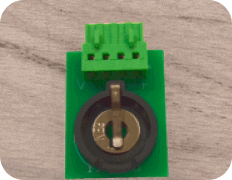




The MTCI module is used to communicate with different temperature chamber controllers. Please follow the troubleshooting steps below:
If the Monitor & Control window shows the MTCI channel reading 0.00 degrees, this indicates a Mitspro setting issue:
-
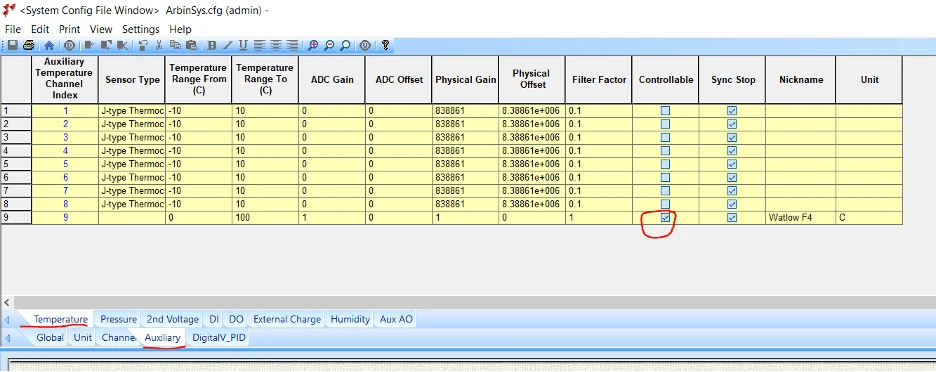
Check ArbinSys.cfg to confirm MTCI is properly configured, and that the Auxiliary page has the “Controllable” box checked for the MTCI channel row.
-
Confirm that the Map/Batch file has the MTCI channel correctly mapped to the IV channel.
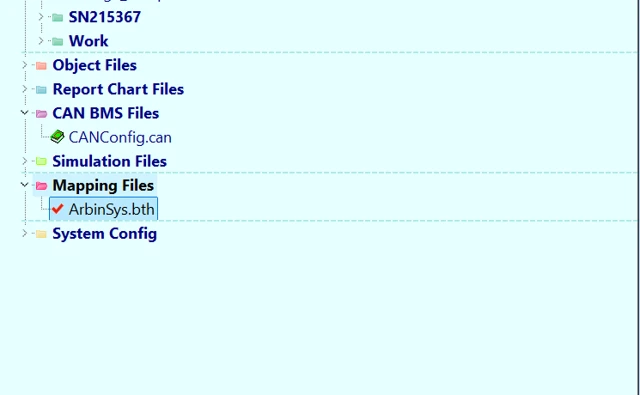
The Arbin mapping file (also known as the batch file) is the ArbinSys.bth file, located on the main screen of the MITS software.
-
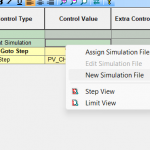
Confirm that the IV channel already has a schedule file assigned, and that this schedule file has enough temperature channels added.
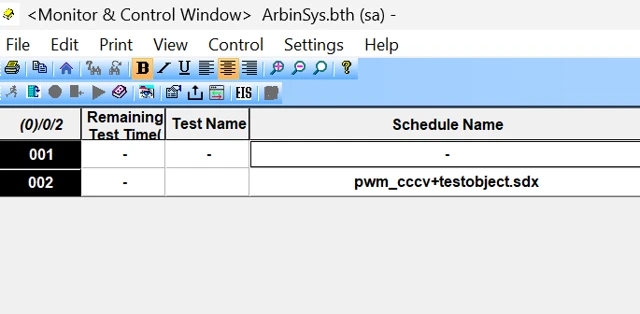
The picture above shows the Monitor and Control window of the MITS software, in which IV channel 2 has been assigned a schedule (.sdx file) while channel 1 has not.
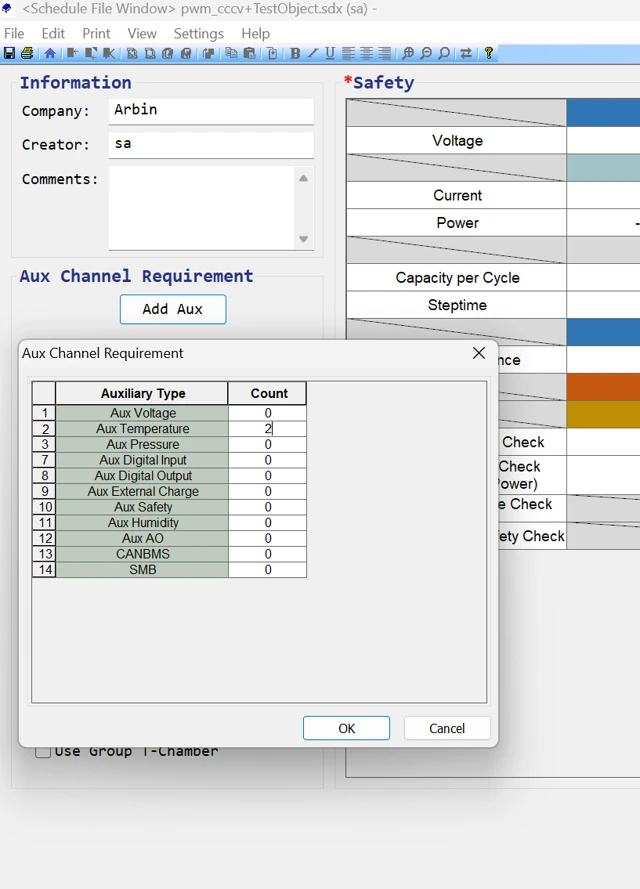
Open the schedule, click the “Add Aux” button, and fill in the number of temperature channels. In this case, the value is 2 for Aux Temperature, because it has one temperature measurement channel and one MTCI.
If the Monitor & Control window shows the MTCI channel reading 22 degrees, this indicates the MITS software setting is correct, and the issue lies with the MTCI board or chamber controller:
-
Check the Chamber controller’s settings and confirm that the baud rate, parity, and other communication parameters match the MTCI setting.
-
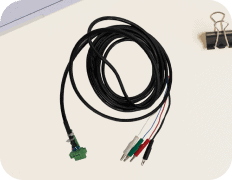
Check the serial cable — some controllers require a crossover (null modem) cable, while others use a standard straight-through cable.
-
If possible, use serial port simulator/monitor software to test communication with the MTCI or Chamber Controller directly.
If the issue persists after completing these steps, please contact Arbin support for further assistance, as additional diagnostics may be needed on our end

