 Deutsch
  English
  简体中文
简体中文  한국어
한국어 



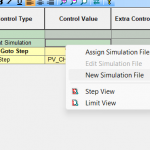
This error means the Aux channel lost communication with IV channels. It usually occurs when the Batch/Mapping file was created or modified without downloading it to the cycler. Downloading the Batch/Mapping file resolves this issue:
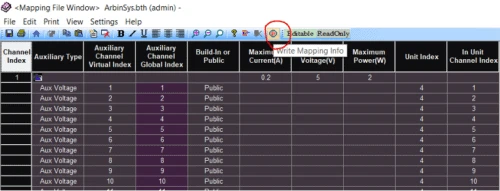
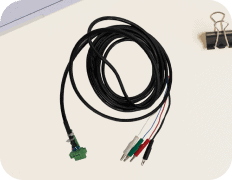
If this does not resolve the issue, check the cable connection from the Aux module to the computer.
If the cable seems to be well connected, use this ping command to check further:
-
Open ArbinSys.config to find the Aux module’s IP address.
-
Ping each suspected IP address, for example: Ping 196.168.1.3, Ping 196.168.1.4…
-
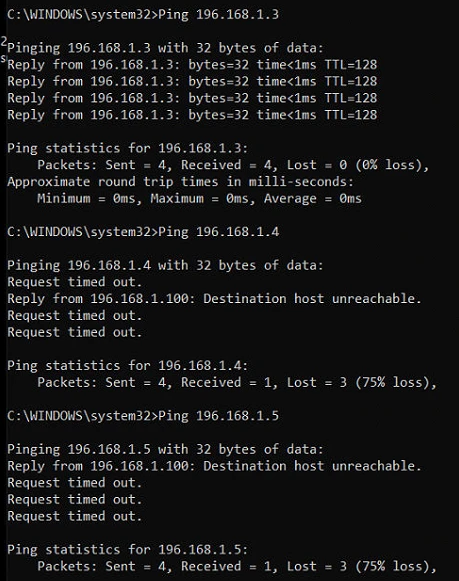
An example of the Ping command and its result follows:
-
The ping command should reply with a sentence likes “Reply from 196.168.1.3: bytes=32 time<1ms TTL=128″
-
A failed ping shows “Request timed out” or a time in hundreds of milliseconds, such as “Reply from 196.168.1.3: bytes=32 time=431ms TTL=128”
-
Check the failed unit; it could be a loose cable or the power supply is off.
-
If the issue persist, please contact Kontakt | Arbin Instruments

