 简体中文
简体中文  English
  한국어
한국어  Deutsch
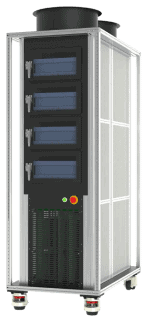

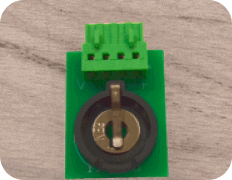
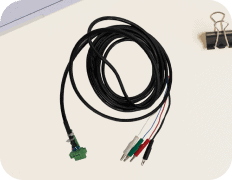
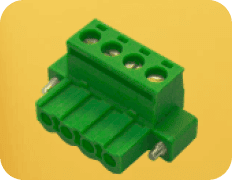





The “Step Control Error Check Unsafe” warning indicates that the system has detected a significant deviation between the expected (configured) output and the actual measured output during a test step.
They are designed to detect open circuits or short circuits caused by loose IV cable connections, it also detects abnormal output when the system has problem.
Symptoms
You may observe the following:
-
The test stops unexpectedly during execution
-
A warning or error message appears: "Step Control Error Check Unsafe”
-
Output values (current, voltage, or power) differ significantly from the set values
Setting
In schedule file’s global tab, you can find the place to set this value in Safety section of global tab.
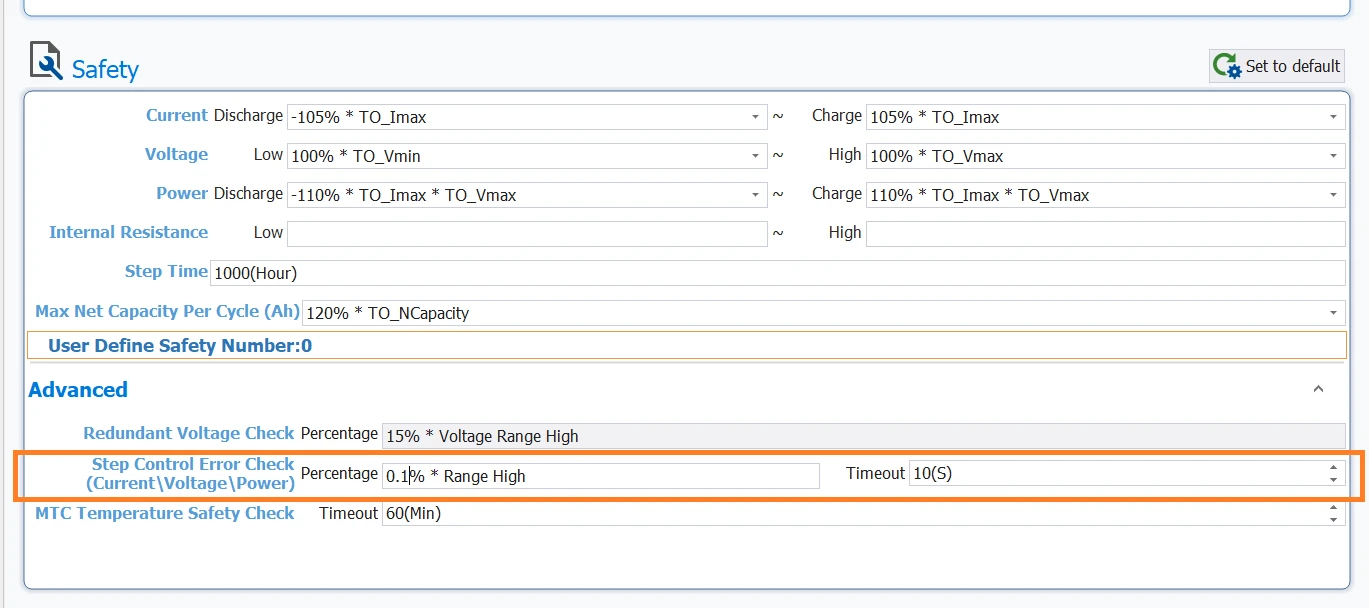
You can key in the value in the field of Percentage and Timeout.
The Timeout field indicates the total amount of time system can tolerate the value of current, voltage, power to be deviated from the set value.
For example, the timeout is 10 seconds. If the current range high is 5A, then 0.1% of Range High equals 5mA. If the actual value differs from the set value by more than 5mA within 10 seconds, an unsafe alarm triggers.
解决方案
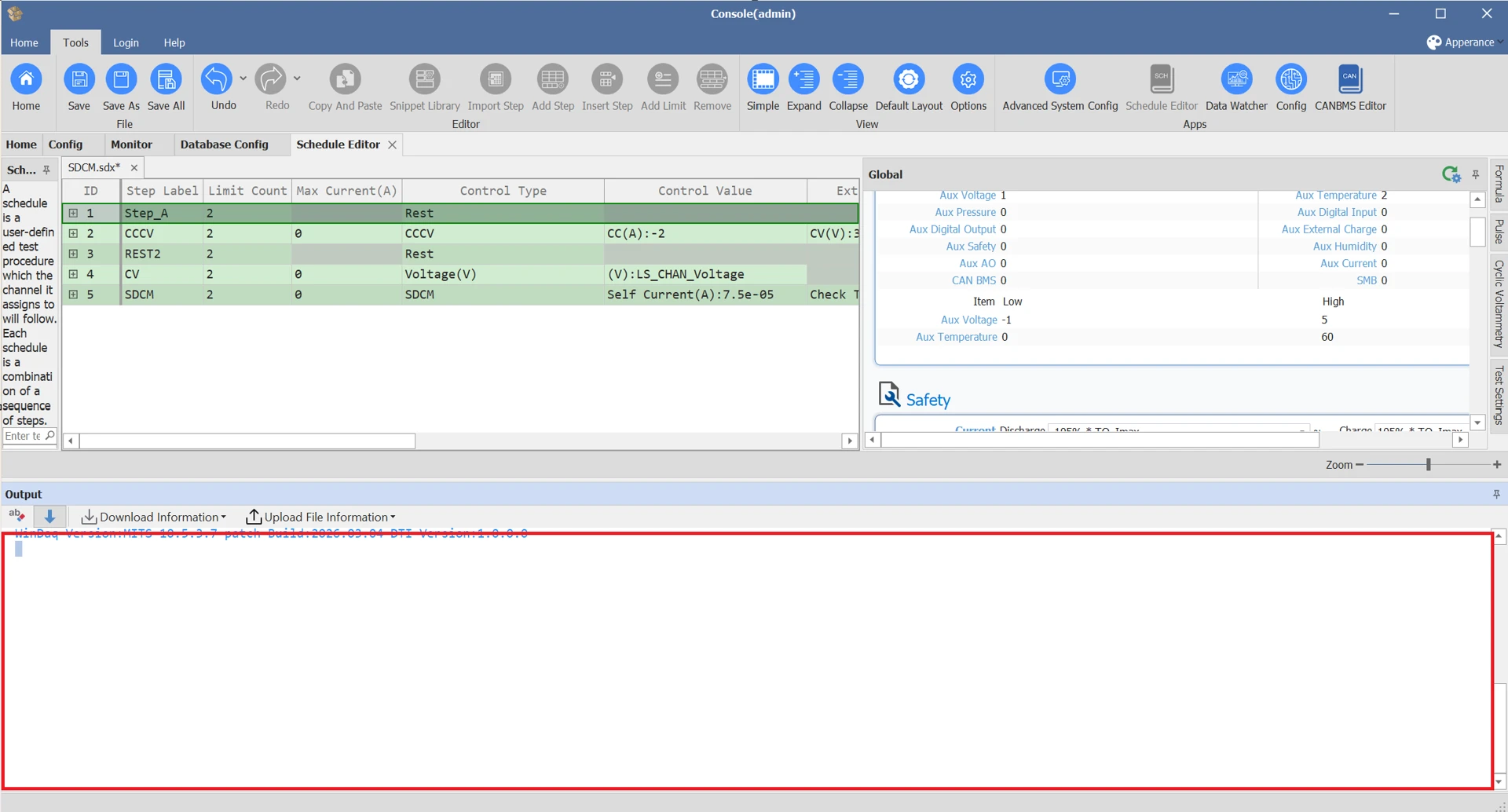
Check the error message area at the bottom of the Console window (MITS 10) for details, such as whether it relates to current, voltage, or power.
-
If the voltage value differs from the set value:
-
Ensure the voltage cable is properly connected to the machine
-
Verify the voltage cable head (green and white) connects to the battery correctly: white to the positive electrode, green to the negative electrode.
-
-
If the information shows that the current output is less than the set value, you can refer to this article: 充电/放电电流几乎为0或远远小于设定值?
-
If the current is higher than the set value, you can try re-calibrate the channel. If this method cannot fix then it could be hardware issue, please contact Arbin support.

