简体中文
简体中文  English
  한국어
한국어  Deutsch
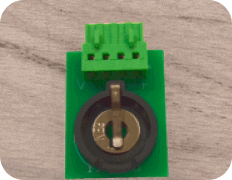
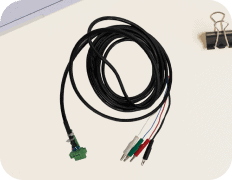
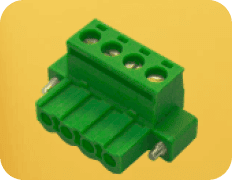
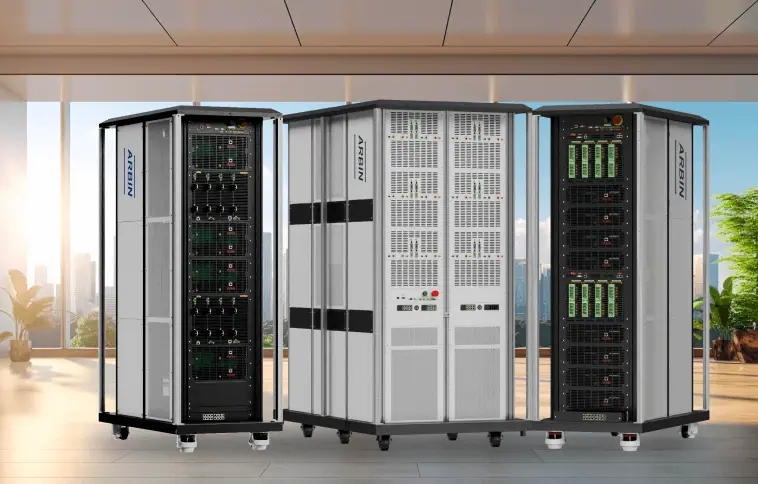





There are several way to connect to the DUT as follows:
-
单独的电缆
-
单独的电池座(纽扣电池、圆柱形电池、平板/袋装电池)。
-
Trays for holding multiple cells (coin cells, cylindrical cells, flat/pouch cells)
-
Racks for organizing cells
-
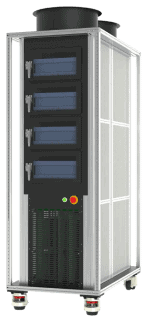
分庭
We will go to each method one by one as follows:
1. Individual cables
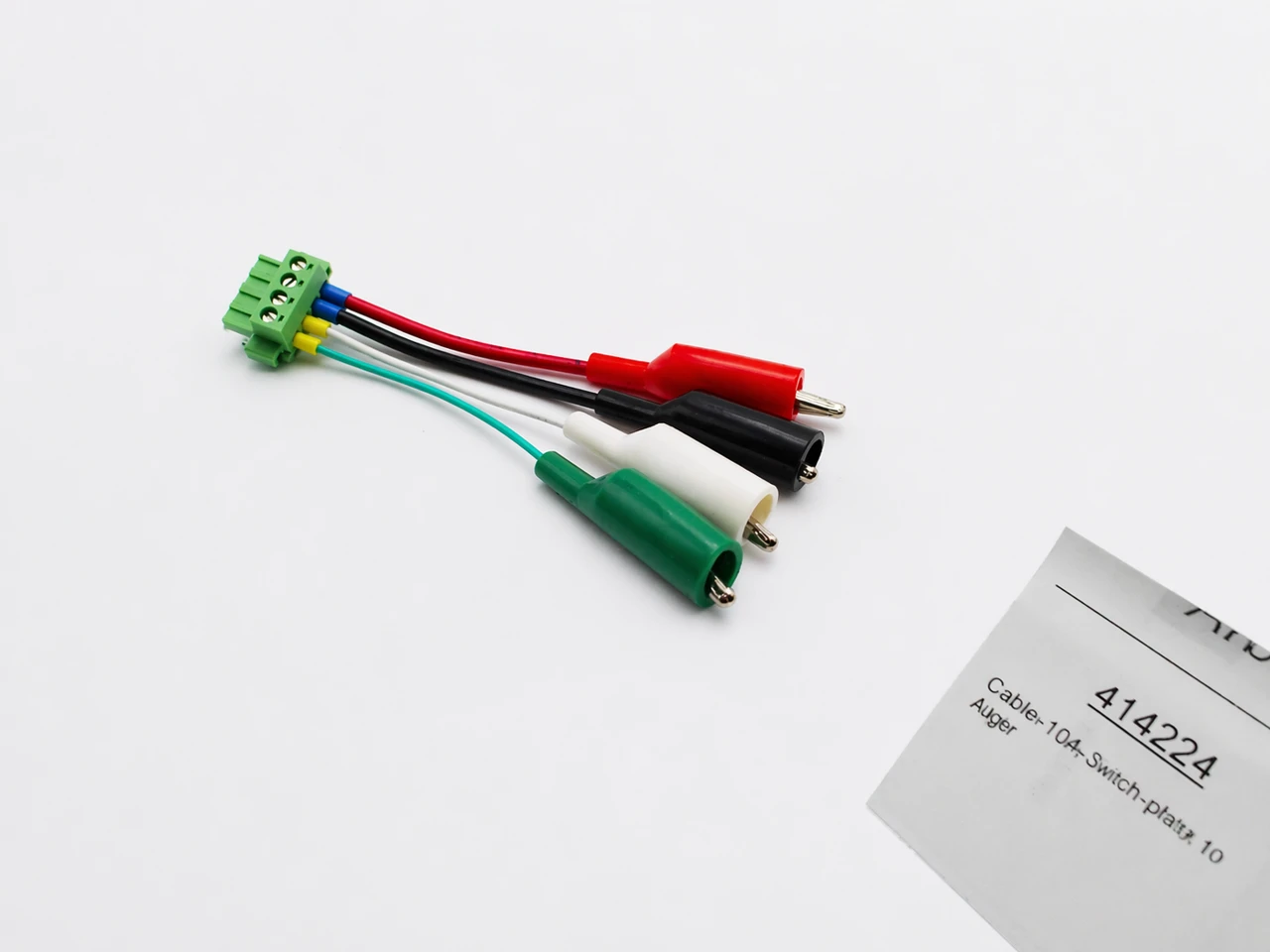
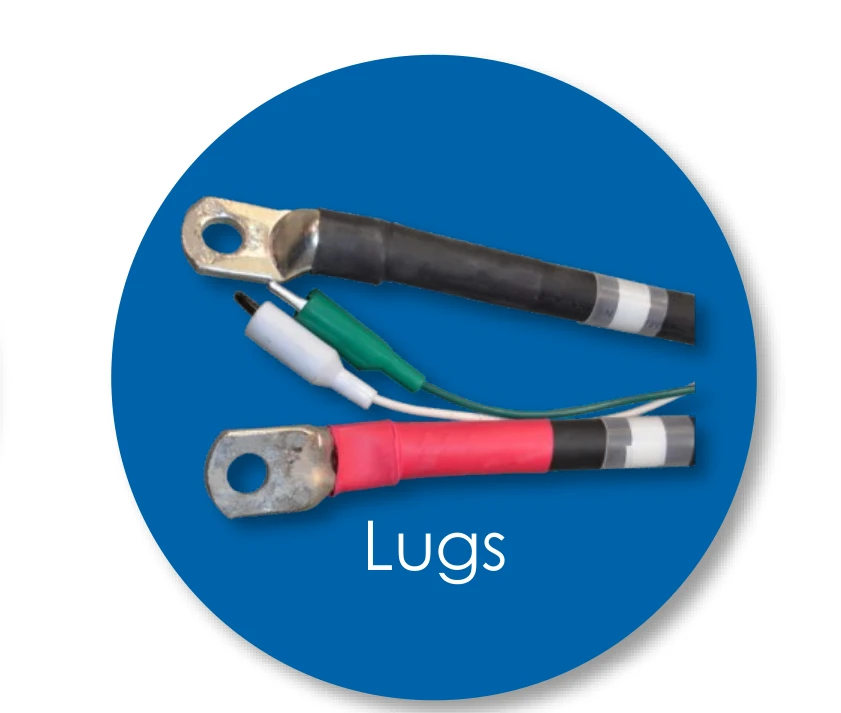
It could be alligator cable head or ring lug terminal connector.
The picture below shows the simplest from of alligator cable head.
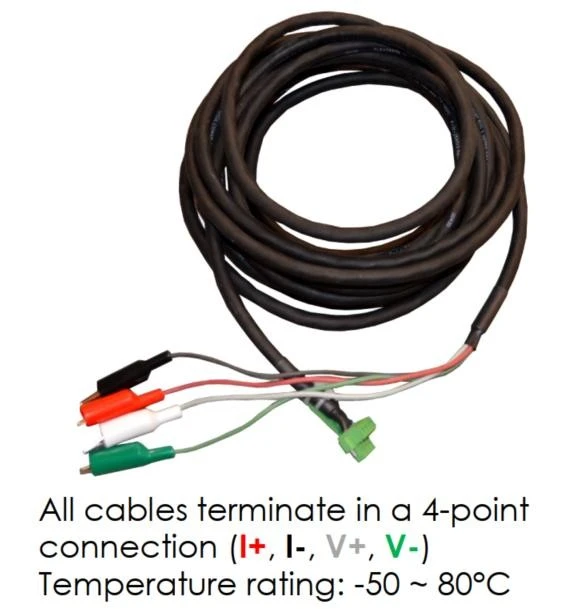
White: V+, Green: V-, Red: I+, Black: I-
A longer version:
For high current, I+ and I- cable will be bigger and thicker cables, and the cable head is lug type. For example:
2. Individual cell holders (coin cells, cylindrical cells, flat/pouch cells)
Arbin offers many cell holder options. The cycler connects to the holder with an optional cable length. Here are some holder examples:
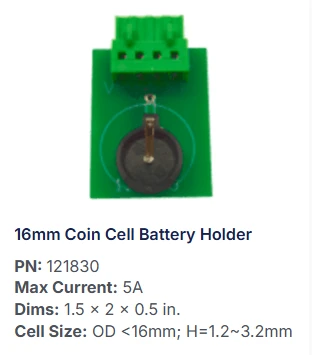
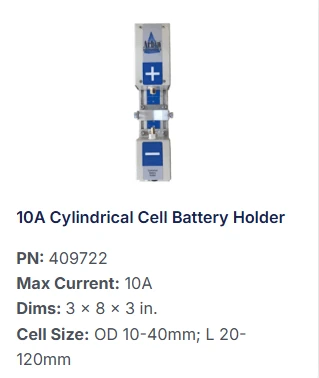
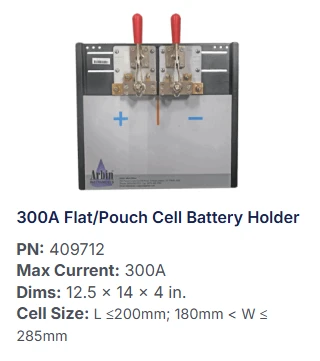
For further options, please discover this following link: 电池座和电池架 - Arbin Instruments
3. Trays for holding multiple cells (coin cells, cylindrical cells, flat/pouch cells)
Some examples are:
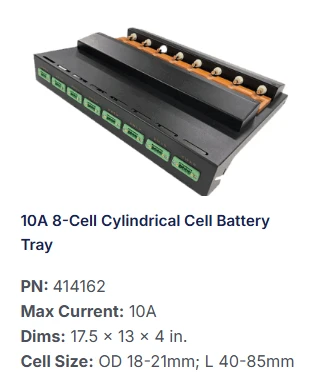
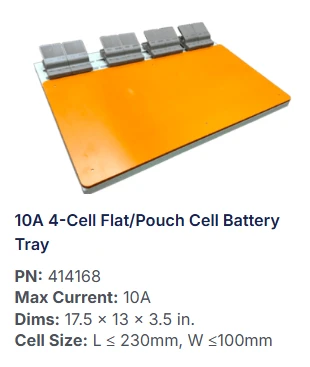
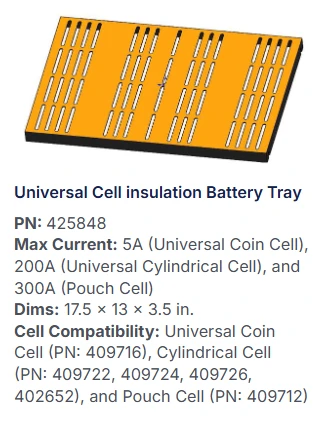
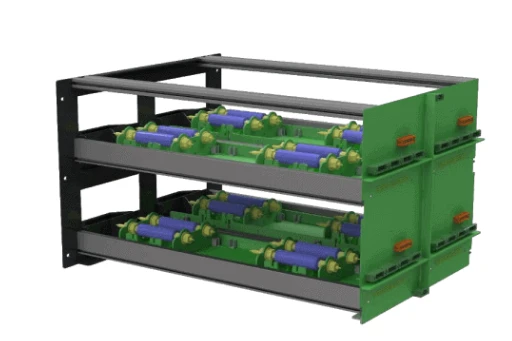
4. Racks for organizing cells
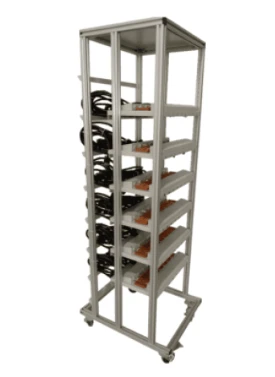
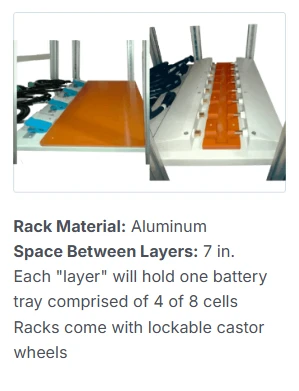
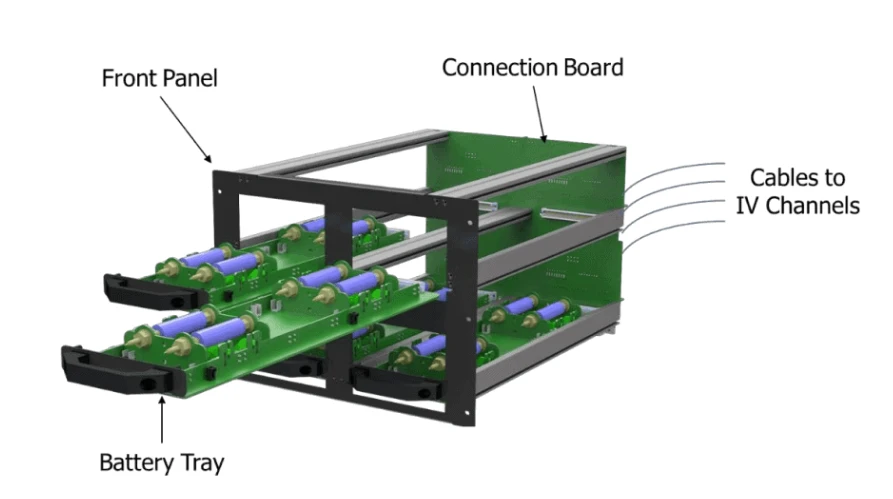
Multi-Zone Open Rack (MZOR) – front view
5. Chamber
Arbin offers multi-zone temperature chambers. Place cells inside and connect the cycler to the chamber’s port instead of directly to the cell.